
Arena of Survival Controls
Official keyboard and controller binds plus practical mobile habits for blocking, inventory, and drops.
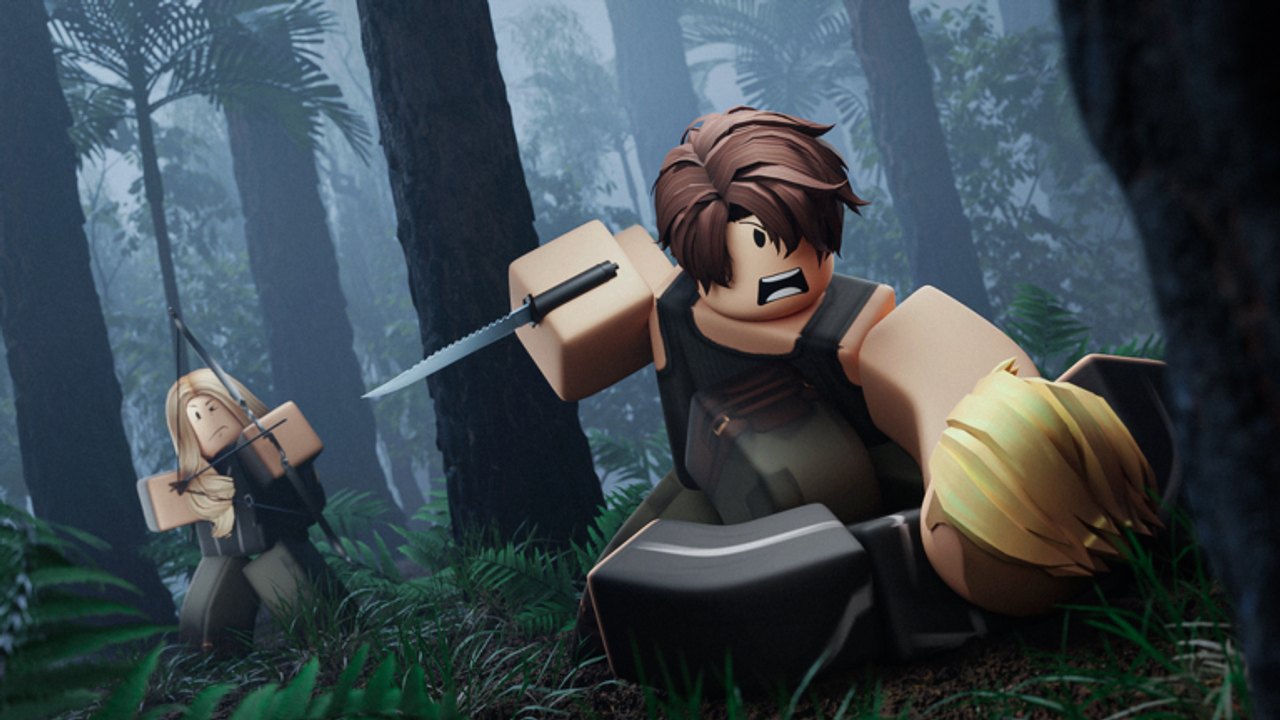
Clean inputs win Arena of Survival fights before gear gaps show up. This page documents the official keyboard and controller binds from the Roblox game page, then explains how to play the same actions on mobile touch. Pair it with Getting Started for match flow and Loot and Inventory for what to drop or keep. When you are ready to convert mechanics into wins, continue to How to Win and the Weapons rankings.
Keyboard and mouse (PC)
These are the binds listed on the live Arena of Survival experience page. Memorize them before your next queue.
| Action | Key |
|---|---|
| Block | F |
| Crouch | C |
| Shift lock | Ctrl |
| Inventory | ~ (tilde) |
| Drop item | Backspace |
PC habits that matter
- Block (F) — Version 2.0 leaned into blocking and clearer hitboxes. Holding W and clicking forever loses to players who time F on predicted swings. Practice blocking in low-stakes mid-game skirmishes, not only in the final three.
- Crouch (C) — Shrink your profile in windows, behind crates, and when you hear footsteps on the same floor. Crouch-walking is slower; use it for stealth entries, not long rotates across open Desert or Grassland.
- Shift lock (Ctrl) — Locks camera behavior for orbit strafing in melee. Toggle it when a knife or flail fight starts; toggle off if you need freer camera while looting shelves.
- Inventory (~) — Open it in cover. Standing in a doorway rearranging bread while thirsty is how highlight clips of your death get made. Inventory 2.0 expects deliberate management—see Loot and Inventory.
- Drop (Backspace) — Dump junk weapons and empty clutter so hotbar slots stay useful. Dropping intentionally also avoids panic mis-equips mid-fight.
Sprint is commonly bound to Left Shift in Roblox movement, and many players use it constantly between buildings. The official description highlights the combat and inventory set above first—learn those five before debating sprint edge cases from older patch notes. If your client remaps keys, keep Block and Inventory reachable without moving your left hand off movement.
Controller
Controller support is first-class. Official controller notes:
| Action | Control |
|---|---|
| Hotbar | Bumpers (L1/R1 or LB/RB) |
| Drop item | D-Pad Down |
| Crouch | B (Xbox) / equivalent face button on other pads |
| Shift lock | Y (Xbox) / equivalent face button on other pads |
Controller habits that matter
- Cycle the hotbar with bumpers instead of digging through full inventory during a chase.
- Drop with D-Pad Down the moment you pick up a worse duplicate melee—do not wait until every slot is full.
- Crouch on B when holding an angle inside Ruined City or Quarry interiors.
- Shift lock on Y before committing to a circling knife fight so stick aim stays predictable.
- Block remains essential on controller the same way it is on keyboard—find the on-screen or bound block control in your layout and practice it deliberately after reading Version 2.0 notes.
Aim assist and stick sensitivity are personal; lower vertical sensitivity often helps when tracking players jumping on Island rocks or Mountain ledges. Keep a consistent deadzone so accidental crouch or drop inputs stop ruining endgames.
Mobile (touch)
Arena of Survival is playable on mobile with Roblox’s touch UI. Exact button art can shift with Roblox client updates, so treat mobile as action locations rather than fixed letter keys:
| Action | Mobile approach |
|---|---|
| Move | Left virtual joystick |
| Look / turn | Right-side drag |
| Jump | On-screen jump button |
| Attack / use | On-screen attack or item-use control while a weapon is equipped |
| Block | On-screen block control when available—mirror the PC F timing habit |
| Crouch | On-screen crouch toggle (same role as C / controller B) |
| Inventory | Inventory / backpack button—open only in cover |
| Drop | Drop or trash control in the item UI (same job as Backspace / D-Pad Down) |
| Hotbar | Tap hotbar slots along the edge of the screen |
| Sprint | Push the joystick fully forward or use the sprint affordance if shown |
Mobile-specific advice
- Increase UI scale slightly if you mis-tap drop versus equip during storms.
- Use a grip that keeps your right thumb free for attack and block without covering the minimap or compass cues.
- Prefer shorter looting stops; two-thumb play makes inventory sorting slower than mouse, so pre-plan what you keep using Loot and Inventory.
- When disasters hit, move first and sort later—see Disasters.
- If touch precision fails in knife duels, practice shift-lock-style camera drags in empty areas of Forest or Grassland before hot-dropping center.
Shared fundamentals across devices
Regardless of input method, winners share the same timing goals:
- Block on reaction, not after three hits have landed.
- Crouch for sound and silhouette, not as a permanent slow walk.
- Inventory in cover, never in the open during a close circle.
- Drop trash early so panic swaps do not equip an empty bottle when you meant to equip a spear.
- Shift lock for melee orbits, free camera for wide scavenges.
Empty water bottles still need refills at water; Survivalist helps while you hold an empty bottle, but the perk cannot replace learning the drop and equip flow. Animal Lover does not change binds—it only changes animal behavior if you leave animals alone. Compare perk value on Perks after your binds feel automatic.
Practice routine (ten minutes)
- Queue a match on any map from the Maps pool.
- First minute: only loot and practice inventory open/close in buildings.
- Second minute: drop one junk item on purpose using the correct bind for your device.
- First fight: force at least one block before you swing a full combo.
- When audio or sky cues signal a disaster, rotate immediately while still holding your best melee.
Repeat until Backspace / D-Pad Down / mobile drop feels boring. Boring inputs are what let you focus on third-parties and circle math in How to Win.
Troubleshooting
- I keep dropping my weapon — You are hitting drop instead of inventory. Slow down; rebind only if Roblox settings allow and you document the new layout.
- Shift lock feels wrong — Toggle it only for melee. Looting shelves is easier unlocked.
- Controller hotbar skips — Deliberate single bumper taps; rapid mashing skips past the spear you wanted.
- Mobile misclicks in storms — Move to cover, pause movement, then tap inventory. Disasters punish fidgeting—details on Disasters.
- Blocking does nothing — Confirm you are not mid-animation from a heavy swing and that you updated after Version 2.0 combat changes.
Related pages
Return to the Guides Hub for the full list. New players should finish Getting Started next if they have not already. Optimize loadouts with Weapons, track patches on Updates, claim Codes, and use Tools or Wiki when you need quick reference sheets. Scripts notes stay on Scripts; player profiles on Players.
Learn the table for your device, then stop thinking about keys. Arena of Survival matches are decided by hunger, thirst, disasters, and fight timing—controls only exist so those decisions happen on time.
Frequently Asked Questions
Quick answers for Arena of Survival players.
What is the block key on PC in Arena of Survival?
Press F to block. Version 2.0 made blocking and hitboxes more important, so practice timing blocks instead of only trading swings.
How do I drop items on controller?
Use D-Pad Down to drop. Bumpers cycle the hotbar, B crouches, and Y toggles shift lock per the official controller notes.
Are mobile controls the same as keyboard?
Actions match—block, crouch, inventory, drop, attack—but mobile uses on-screen buttons and joysticks instead of F, C, tilde, and Backspace.
What is shift lock used for?
Shift lock stabilizes camera orbit for melee strafing. Enable it for knife or flail fights; disable it when you need freer camera while looting.