
Arena of Survival Guides
Loot, fight, survive disasters, and be the last of about twenty-four tributes standing.
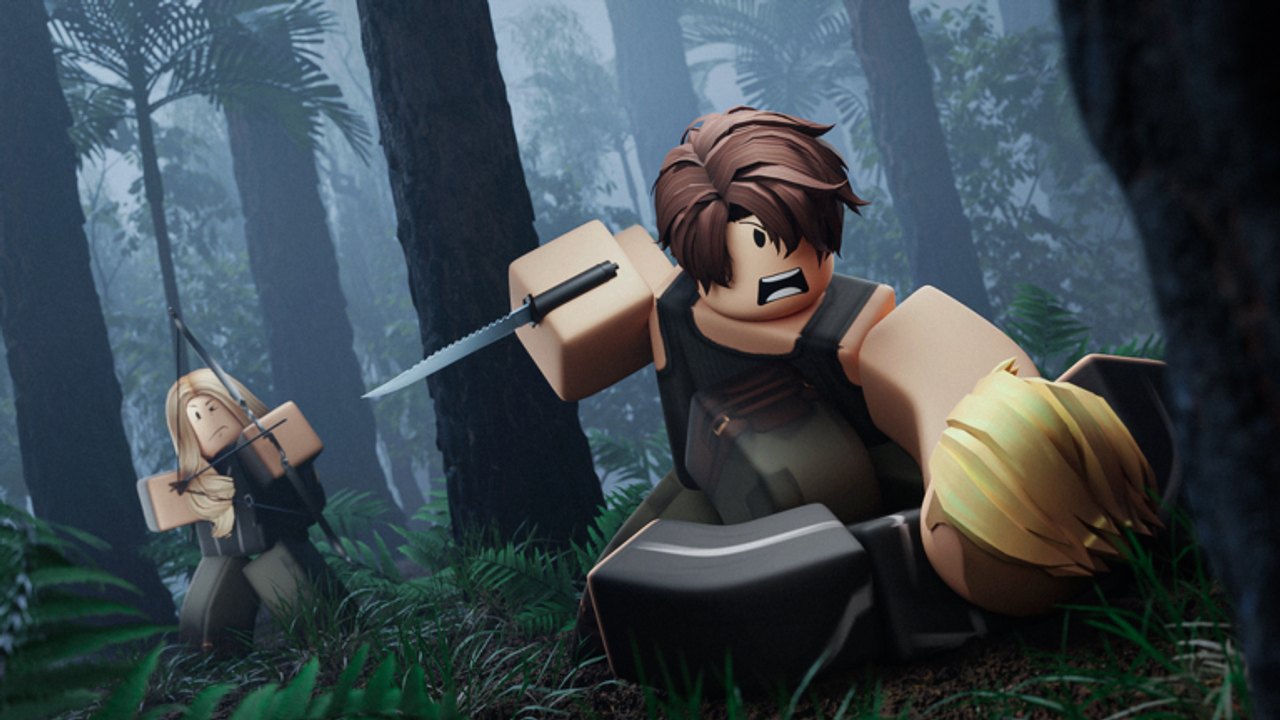
Welcome to the Guides Hub for Arena of Survival on Roblox. This Hunger Games–inspired PvP experience drops you into a shared arena with roughly twenty-three other players. You loot weapons and supplies, manage health, hunger, thirst, and agility, dodge deadly disasters, and fight until only one tribute remains. These guides turn that chaos into clear habits so new players stop dying hungry in the open and veterans tighten their endgame.
Start with Getting Started if this is your first match. Learn the official binds on Controls, then practice early loot and inventory discipline in Loot and Inventory. When the sky turns hostile, Disasters explains how pressure and closing barriers force movement. When you are ready to climb win rate, study How to Win. Pair every guide with the Tier List Hub, especially Perks, Weapons, and Maps. Claim freebies from the Codes Hub, skim Scripts only if you need tooling notes, and track balance changes on the Updates Hub and Version 2.0.
What each guide covers
- Getting Started — First-match checklist: spawn priorities, knife-bread-water openers, when to fight, and how stats drain mid-round.
- Controls — Keyboard, controller, and mobile layouts for block, crouch, shift lock, inventory, drop, hotbar, and sprint habits.
- How to Win — Positioning, third-party timing, disaster rotations, perk picks, and endgame circle play.
- Disasters — Why disasters exist, how barriers close randomly, map pressure after the Quarry changes, and mosquito removal context.
- Loot and Inventory — Early routes, throwable spears and bows, flail and katana notes, empty bottle refills, Survivalist water hints, and inventory 2.0 drag-drop flow.
- Combat Tips — Blocking, hitboxes, punching versus steel, third-parties, and endgame fight timing after Version 2.0.
- Gamepasses — VIP, Brawler, Night Vision, Katana Master, and Disguise Master value notes.
Core loop in one paragraph
Every match is a race between loot power, resource bars, and map pressure. Punching is the default; a knife plus bread and water is already a strong start. Spears and bows punish players who stand still. Barriers and disasters punish players who camp one building forever. After major map updates such as Quarry, center loot is less generous, so edge routes and water awareness matter more. Perks and gamepasses accelerate that loop—Brawler buffs fists, Animal Lover only keeps animals peaceful if you leave them alone, and Survivalist helps you find water while holding an empty bottle. Version 2.0 layered status effects, inventory rework, blocking, and hitbox clarity on top of that foundation. Read the dedicated guides instead of guessing mid-fight.
Recommended reading order
- Skim this hub, then finish Getting Started in one sitting.
- Open Controls and bind muscle memory for F block, C crouch, inventory, and drop before your next queue.
- Run two matches focused only on Loot and Inventory habits—never ignore hunger or thirst.
- After you die to storms or floods once, read Disasters and plan exit routes earlier.
- Graduate to How to Win and Combat Tips, then cross-check loadouts against Weapons, Perks, and Gamepasses.
- Before map-heavy sessions, open Maps for Forest, Island, Grassland, Swamp, Desert, Mountain, Arctic, Ruined City, Quarry, Jungle, and secret layouts.
How this wiki stays useful
Guides stay practical: trailing-slash links, no filler paragraphs, and facts aligned with the live Roblox description and major patch themes. Use the Players hub for creator or community profiles when available, Tools for calculators or helpers the wiki hosts, and the Wiki index when you need a flat sitemap-style browse. When a patch lands, start at Updates so you do not practice outdated disaster or inventory habits.
If you only have ten minutes, do this: learn block and inventory on Controls, secure food and water from Loot and Inventory, then fight only when your bars and weapon beat the opponent you see. That single habit wins more matches than random hot drops.
Related hubs
Browse Codes after wins, compare meta picks on the Tier List, and return here whenever a friend asks how Arena of Survival actually works. Every sibling guide below is written for English first with the same depth you expect from a full wiki, not a stub checklist.
Frequently Asked Questions
Quick answers for Arena of Survival players.
Where should a brand-new Arena of Survival player start?
Read Getting Started, then Controls, then Loot and Inventory. Queue a match focused on food, water, and one reliable melee before chasing highlight-reel fights.
Do these guides cover perks and weapons rankings?
Guides explain how systems work in-match. For ranked picks, use the Tier List Hub plus the Perks, Weapons, and Maps subpages, and refresh after Updates.
Is Arena of Survival only keyboard and mouse?
No. The game supports keyboard, controller, and mobile. The Controls guide lists official PC and controller binds and explains mobile touch habits.
How often should I re-read the disaster and loot guides?
Re-read them after major patches such as Version 2.0 or map drops like Quarry, and whenever your deaths come from thirst, storms, or inventory misclicks instead of fair fights.